QR Codes Are Everywhere — How to Scan Them Safely
A QR code is just a link wearing a costume, and your phone will happily open whatever’s underneath. Scammers figured that out years ago and have been slapping stickers over parking meters, menus, and mailboxes ever since. Here’s how the tricks actually work, and the ten-second habit that defeats almost all of them.
There’s a parking lot in my neighborhood where the pay station has two QR codes on it. One is printed on the machine’s official signage, laminated and bolted in place. The other is a glossy sticker, slightly crooked, placed exactly where your thumb naturally points the camera. They open two different websites. One charges you four dollars for parking. The other collects your card number and, a few days later, starts testing it with small charges in places you’ve never been. I only noticed the second sticker because it was peeling at one corner and I could see the edge of the real label underneath. That’s the whole story of QR code scams in one image: the fake doesn’t have to be clever, it just has to be close enough that you don’t look twice. The good news is that your phone already shows you exactly where a QR code wants to take you before anything opens — you just have to build the habit of reading it. This guide covers how the common scams work, how to preview and judge a link on iPhone and Android, and the handful of habits that make you a hard target.
How a QR Code Actually Works (and Why It’s Blind Trust)
A QR code is not magic, and it’s not inherently dangerous. It’s a machine-readable way of storing a short string of text — almost always a URL. When you point your camera at one, the phone decodes the pattern, reads the text, and offers to open it in your browser. That’s the entire transaction. The code itself carries no virus and can’t “hack” your phone by being scanned. All the danger lives in where the link leads and what you do once you get there.
That distinction matters, because it tells you where your defense should be. You don’t need antivirus software to scan a QR code safely. You need to treat the code like what it is: a link someone else chose, printed in a place where you can’t see the address. Clicking a random shortened link in a stranger’s email and scanning a random QR code on a lamppost are the same act of faith, in two different fonts. And unlike a clickable link, which at least shows you some text — even if it’s misleading text — a QR code shows you nothing at all until your phone decodes it. It’s the only common technology where we routinely follow links completely blind.
Two more things are worth knowing about the mechanics. First, QR codes are trivially cheap to make. There are hundreds of free generators online; producing a code that points to a scam site takes less time than printing the sticker. Second, codes are context-free. The little squares don’t tell you who made them, when, or why. A QR code on a restaurant table and a QR code on a package slip look identical to your camera. All the trust comes from the physical setting around the code — and as the scams below show, that setting can be faked with a two-cent sticker.
The Four Scams You’ll Actually Run Into
QR fraud has a real name — “quishing,” from QR phishing — and security agencies in the US and Canada have been warning about it for a few years now, because reports keep climbing. But the warnings are abstract. These are the specific versions you’re likely to meet in the wild, and what each one is after.
The sticker-over-poster swap
This is the parking meter trick from my neighborhood, and it’s the most common physical QR scam in North America. A scammer prints a sticker with their own QR code and pastes it over the legitimate code on a parking meter, a bike-share dock, an EV charger, a transit sign, or a charity donation poster. You scan, land on a convincing copy of the real payment page, and type in your card details. You often still “get” what you paid for — some operations even process a real parking session to delay suspicion — but the card number is gone. The tell, when there is one, is physical: a sticker on top of a printed sign, a code that isn’t flush with the surface, a second code oddly close to the first. If you can feel an edge with your fingernail, walk away and pay at the machine or through the official app you already have.
The restaurant menu bait-and-switch
Restaurants trained all of us to scan codes without thinking, and scammers noticed. The crude version is another sticker on the table tent. The subtler version targets the restaurant itself: the business’s real QR code points to a cheap hosted menu page, the domain lapses or the account gets compromised, and the code now leads somewhere else entirely. Most menu scams are about harvesting email logins (“create an account to view today’s specials”) or pushing malware-laced “menu PDF” downloads to Android phones. A genuine menu asks you for nothing. The moment a scanned menu wants a login, a download, or a payment to see a bowl of pasta, close the tab.
The package-delivery text
“USPS: your package could not be delivered, reschedule here,” with a QR code or a link. Or a physical slip on your door that looks like a missed-delivery notice, complete with a code to “schedule redelivery.” Delivery scams exploded because they exploit timing — most of us actually are waiting for a package, so the message feels plausible on any given Tuesday. The QR code version is nastier than the link version because it moves you from your computer (where you might scrutinize the URL) to your phone (where you tap faster and see less of the address bar). Real carriers don’t ask you to scan a code to reschedule a delivery. If a text or door slip mentions a package, ignore its links entirely and check the tracking number in the retailer’s official app or site, where your real orders actually live.
Quishing in email
This is the one that surprises people, because email is where we’re supposed to be suspicious of links. But a QR code in an email defeats the two defenses people rely on: link-checking by hovering (there’s no link, just an image) and spam filters (the image contains no readable text for the filter to judge). The classic quishing email impersonates your IT department, Microsoft 365, or your bank: “Your password expires today, scan this code with your phone to keep access.” It works precisely because it moves you to a smaller screen, a bigger hurry, and a device where the fake login page looks pixel-perfect. The rule is simple and absolute: no legitimate organization sends QR codes in email to handle account security. Not your bank, not your employer, not Microsoft, not the IRS. If an email contains a QR code asking you to verify, log in, or pay, it’s a scam by definition.
How to Preview a QR Link Before Opening It
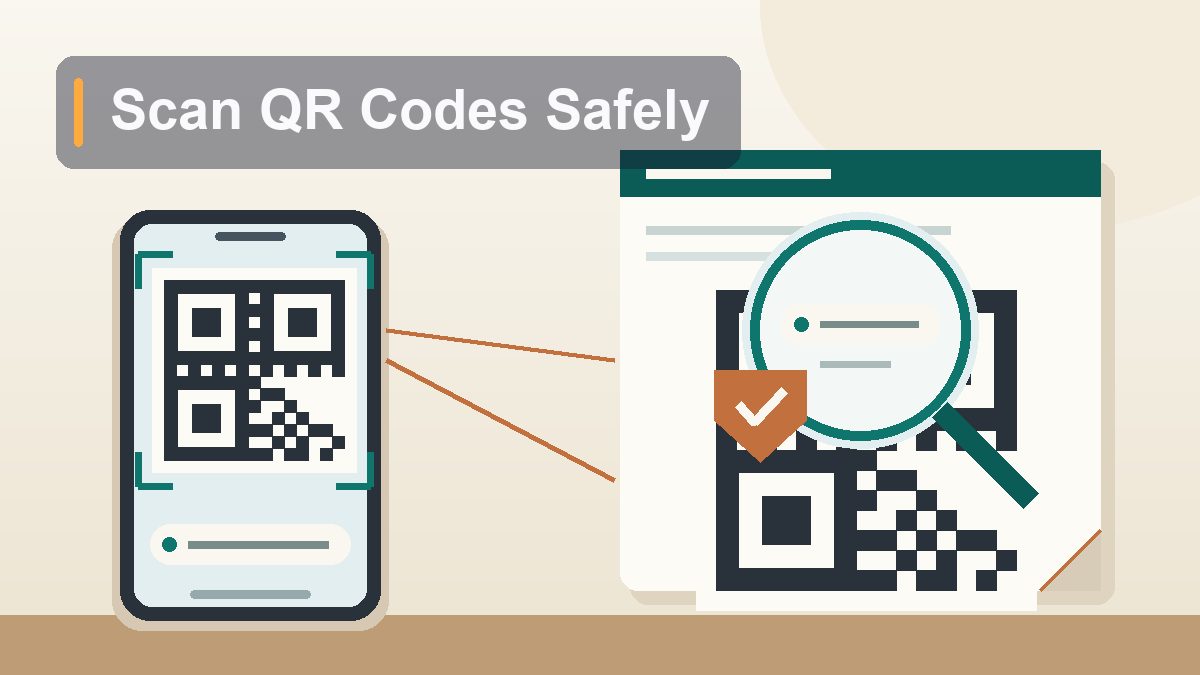
Here’s the part almost nobody teaches, even though both major phones do it automatically: when you point your camera at a QR code, the phone shows you the destination URL as a preview before anything opens. The link only loads if you tap. That preview moment — usually two to five seconds while you decide — is where all your safety lives. Slow down and use it.
On iPhone
Open the regular Camera app and point it at the code. A small yellow-outlined link appears near the bottom of the viewfinder, showing the domain the code wants to open — something like “cityparking-pay.com”. Nothing has opened yet. If the domain looks right, tap it to open Safari. If it doesn’t, lower the phone and walk away; the code never touched anything. Two refinements: first, if you tap and hold the yellow link instead of tapping it, you get a menu with a full preview of the page without fully committing. Second, make sure Settings > Camera > Scan QR Codes is on (it is by default), and ignore any third-party “QR scanner” app from the App Store — the camera already does the job, and the sketchy scanner apps exist mostly to show ads and, in a few documented cases, redirect scans through their own tracking links.
On Android
On most Android phones, the Camera app scans QR codes natively and shows the decoded link as a tappable chip or banner — again, nothing opens until you tap. On Pixels and many others, you can also use Google Lens: open the camera or the Google app, tap the Lens icon, and point it at the code to see the full URL spelled out. Samsung’s camera does the same through its built-in scanner (Settings in the Camera app > “Scan QR codes”). One Android-specific caution: because Android allows installing apps from outside the Play Store (“sideloading”), a malicious QR page may try to push an .apk download at you. No menu, parking meter, or delivery notice ever needs you to install an app this way. If a scanned page offers a download, that’s the scam announcing itself — back out.
If you got the code in a text or email
You can’t point your camera at a code that’s already on your screen. The cleanest move: screenshot the code, then open it from your photo library — on iPhone, open the screenshot in Photos and long-press the code to see the link; on Android, open it in Google Photos and tap Lens. Either way you get the same read-then-decide moment without loading anything. It takes ten seconds and it’s worth building the muscle memory, because codes delivered digitally are exactly the ones scammers control end to end.
Reading the Preview: Safe Link vs. Suspicious Link
Once the URL is on screen, judging it is a five-second skill. You’re not analyzing the whole address, just the domain — the part between the “https://” and the first slash. Everything before the domain is decoration, and everything after it is just a path. Scammers know people skim, so their domains are built to survive a skim and fail a look. Here’s the cheat sheet:
| What you see in the preview | Verdict | Why |
|---|---|---|
| parkchicago.com, starbucks.com, usps.com | Looks right | Short, clean, the exact name of the organization you expect. Still verify it matches the context you’re standing in. |
| parkchicago-pay.net, usps-redelivery.info | Suspicious | Real name padded with extra words and an off-brand extension. Companies don’t do this; scammers do it constantly. |
| secure-parking-verify.com, qr-menu-hub.site | Suspicious | Generic urgency words (“secure,” “verify,” “support”) with no actual brand. A domain that could belong to anyone belongs to no one you trust. |
| bit.ly/3xK9…, tinyurl.com/…, qrco.de/… | Be careful | Shortened links hide the real destination. Legit posters occasionally use them, but you have no way to see where they lead — treat as untrusted unless the source is one you already know. |
| 172.105.x.x or a raw IP address | Walk away | No legitimate business prints a bare IP address on signage. Ever. |
| paypa1.com, micros0ft-login.com | Walk away | Lookalike spelling — a “1” for an “l,” a zero for an “o.” These exist purely to be misread in a hurry. |
The single most reliable question isn’t technical at all: does this domain match the thing physically in front of me? Standing at a city parking meter, the code should go to the city or the parking company’s real site — a name you can check with a two-second search. Sitting in a chain restaurant, it should go to the chain’s own domain. When the preview shows something unrelated, generic, or padded with extra words, the context has already told you the answer. And one trap to name explicitly: “https” and the little padlock mean only that the connection is encrypted. Scam sites get free certificates too. The padlock says nobody is eavesdropping; it says nothing about who’s listening at the other end.
What to Do If You Already Scanned Something Bad
First, the reassuring part: scanning alone does almost nothing. The risk ladder is scan < open < interact. If you scanned and saw a weird preview but never tapped, you are done — nothing happened. If you opened the page but typed nothing and downloaded nothing, you are almost certainly fine; close the tab and move on. The damage starts at the third rung, so work backward from what you actually did.
If you entered a card number, call the number on the back of the card, report the charge as fraud, and get the card reissued — irritating but routine, and card networks handle it daily. If you typed a password into a page you now doubt, change that password immediately, and change it anywhere else you reused it (this is why reuse is the original sin). If the page was an email login and you entered real credentials, assume the account is being probed within the hour: change the password, then check the account’s forwarding rules and recovery addresses, since scammers quietly add their own. If you installed an app or profile from a scanned page on Android, delete it, run Play Protect’s scan, and watch for anything else that appeared the same day. On iPhone, remove any unfamiliar configuration profile under Settings > General > VPN & Device Management. And if money or credentials actually left your hands, file a report at the FTC’s reportfraud.ftc.gov (or the Canadian Anti-Fraud Centre) — it takes ten minutes, and those reports are how the sticker crews eventually get rolled up.
Seven Habits That Make You a Hard Target
Everything above condenses into a short list. None of it requires software, settings wizardry, or remembering what a URL parser is — it’s the same healthy paranoia you’d apply to a stranger handing you a link in person.
- Read the preview every single time. Camera shows the link, you read the domain, then you decide. Never tap in the same motion you scan.
- Run your fingernail over codes in the wild. Parking meters, chargers, rental scooters, posters. A raised sticker edge over a printed sign is the scam, literally tangible.
- Prefer the official app over the code. Parking, transit, menus, loyalty programs — if there’s an app or a site you can navigate to yourself, use that path instead of the printed shortcut.
- Treat every emailed QR code as hostile. No real bank, employer, or service handles account security by emailed QR code. Delete or report it through the normal phishing channel.
- Never install anything from a scanned page. Especially on Android. Apps come from your app store, not from a link on a door slip.
- Verify delivery notices in the retailer’s own app. Your real packages live where you ordered them, not in a text message’s link or code.
- Delete third-party QR scanner apps. Your camera scans codes natively and shows the preview. The standalone apps add ads at best and redirects at worst.
None of this makes QR codes bad. They’re genuinely useful — boarding passes, Wi-Fi sharing between friends, menus, event check-ins — and the technology itself is neutral. What’s changed is that printing a link got cheap enough to weaponize at scale, so the trust we used to give a laminated sign has to be earned by the URL behind it. Give every code the two seconds of reading it deserves, and you keep all the convenience while the sticker crews go bother somebody else.
This article is educational and reflects iPhone and Android behavior as of August 2026; menu names shift slightly between versions and manufacturers. Nothing here is financial or legal advice — for fraud recovery, contact your card issuer directly and report incidents at reportfraud.ftc.gov (US) or the Canadian Anti-Fraud Centre. No affiliate links or sponsored content.