| Method | Details | What You Need | When Available |
|---|---|---|---|
| iTax Portal | Log in, choose “Reprint PIN Certificate,” download your PIN. | ID number, login details | 24/7 online |
| M-Service App | Use the app to access your PIN or TCC with your ID number. | ID number, smartphone | 24/7 via PlayStore |
| Social Media | DM KRA’s official pages with a colored ID scan. | ID scan, social account | Mon–Fri, 7 AM–9 PM |
| WhatsApp/Phone | Message or call 0711099999 for help. | ID number, phone | Mon–Fri, 7 AM–9 PM |
| Send ID scan to callcenter@kra.go.ke. Follow up later. | ID scan, email access | 24/7, needs follow-up | |
| KRA Office/Huduma Centre | Visit with your ID for a printed PIN certificate. | Original ID | Business hours |
Source: Kenya Revenue Authority
Retrieve Your PIN via the iTax Portal
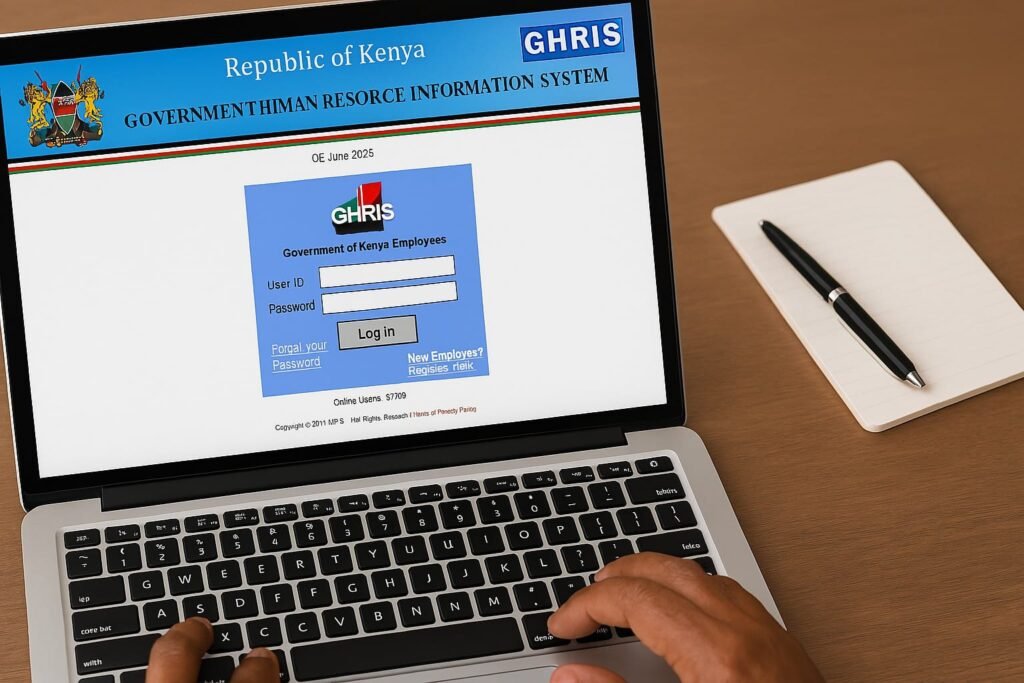
The KRA iTax portal lets you check your PIN easily. You need your registration email and password. Go to the portal, enter your ID number or PIN, and solve a math question to log in. Click “Registration,” select “Reprint PIN Certificate,” choose “Taxpayer,” and submit. Download your PIN certificate and keep it safe.
Use the KRA M-Service App
Download the KRA M-Service app from Google PlayStore. Log in with your ID number to view your PIN or TCC. The app also helps file taxes or register for TOT and MRI. It’s perfect for mobile users who want quick access to tax details. Save your PIN securely after retrieval.
Reach Out via Social Media
KRA’s social media pages offer support. Send a colored ID scan to @KRACare on X, @kra_care on Instagram, or @KRACare on Facebook. These pages operate Monday to Friday, 7 AM to 9 PM. Staff respond fast, making this a convenient option for PIN recovery.
Call or Message KRA
Use WhatsApp or call 0711099999 to get your PIN. Services run Monday to Friday, 7 AM to 9 PM. Follow the phone menu or send an ID scan via WhatsApp. This method suits those who prefer talking to KRA staff directly. Keep your ID number ready for quick verification.
Email KRA for Assistance
Send a colored ID scan to callcenter@kra.go.ke to request your PIN. Include a clear message. Follow up at a KRA office or Huduma Centre. This works if you can’t use online tools but may take time.
Visit a KRA Office or Huduma Centre
Bring your original ID to a KRA office or Huduma Centre. Ask for PIN recovery at the desk. You’ll get a printed certificate. Store it safely. This is great for those without internet or who prefer face-to-face help.
FAQs About KRA PIN Retrieval
Can I get my KRA PIN via SMS?
No, SMS isn’t an option. Use the iTax portal, app, social media, WhatsApp, email, or visit a KRA office.
What if I forgot my KRA email?
Email a colored ID scan to callcenter@kra.go.ke. Or log into iTax, go to “Registration,” select “Amend PIN,” and update your email. A KRA officer will approve it.
How fast is online PIN retrieval?
Kenyan residents get their PIN instantly on iTax. Non-residents receive a receipt and must visit iTax (Railways Club) with documents.
Can I have multiple KRA PINs?
No, you get one unique PIN that can’t be shared.
When is a KRA PIN required?
You need it for transactions like land deals, imports, or business registration.
How do I register for a KRA PIN?
Go to iTax, select “New PIN Registration,” choose “Non-Individual” and “Online Form,” enter details, select tax obligations, add directors or partners, and submit.
How do I verify my TCC?
Check it on the KRA M-Service app or iTax portal using the TCC checker.
Tips for KRA PIN Management
Keep your PIN certificate safe, digitally or physically. Reset your iTax password if needed using the “Forgot Password” link. Non-residents should bring all documents to KRA offices. Check your TCC regularly to stay compliant.
Read Also: How to File Nil Returns in Kenya: Step-by-Step Guide via iTax & App