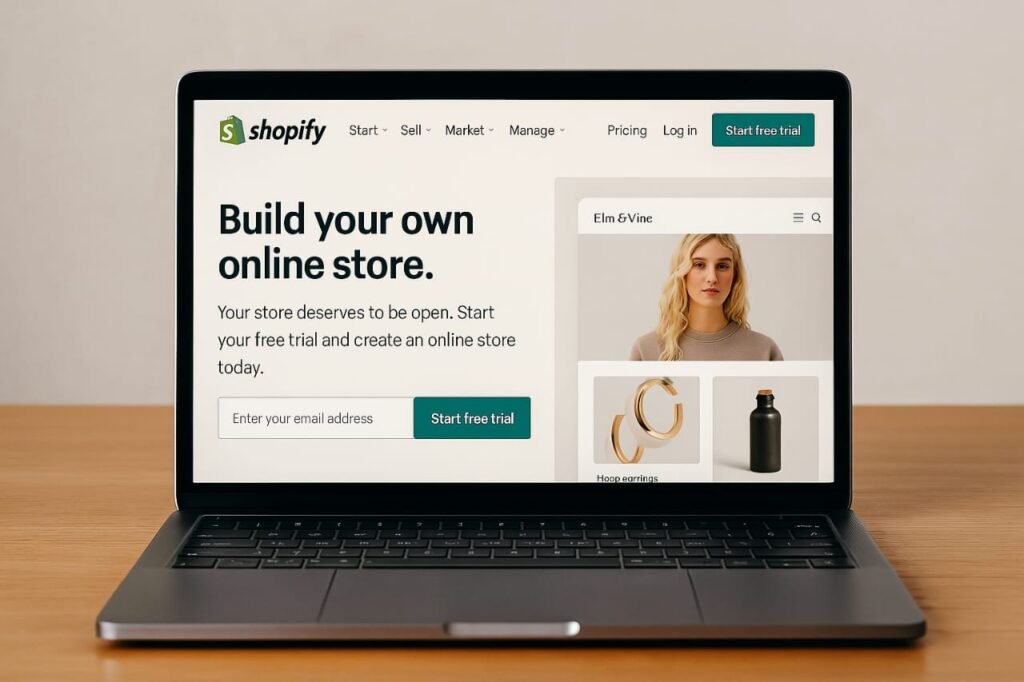
Starting a website with Shopify in Kenya is one of the easiest ways to enter the e-commerce space. Shopify provides everything you need to create a stunning online store even with zero coding skills. In this guide, we walk you through each step, from setting up your account to launching your website.
Whether you’re a small business owner, dropshipper, or side hustler, Shopify lets you sell physical or digital products locally and globally. With built-in payment methods, mobile optimization, and marketing tools, your Shopify website is ready for success.
| Step | Task | Tools Involved |
|---|---|---|
| 1 | Create a Shopify Account | Shopify.com |
| 2 | Pick a Theme | Shopify Theme Store |
| 3 | Add Products | Shopify Admin |
| 4 | Set Up Payment | PayPal, Stripe, M-Pesa |
| 5 | Launch & Market | Facebook, Instagram, SEO Tools |
Step 1: Create a Shopify Account
Visit Shopify.com and start a free 14-day trial. Enter your email and store name, then answer a few business-related questions. Shopify will create your default website dashboard where you can start building.
Step 2: Choose a Theme
Shopify offers dozens of themes some free, others paid. Choose a layout that fits your brand. Most themes are responsive and mobile-ready. Customizing them is simple through drag-and-drop tools.
Step 3: Add Your Products
Upload your products manually or through CSV files. Include clear product titles, detailed descriptions, and high-quality images. Use collections to group products (e.g., “Men’s Wear”, “Bags”, “Clearance”).
Step 4: Configure Payments
Shopify supports payment methods like PayPal, Stripe, and M-Pesa (via third-party apps). Set up your preferred payment gateway under “Settings” > “Payments”. Be sure to test before going live.
Step 5: Set Shipping Options
Define your delivery zones local (e.g., Nairobi), regional, or international. Add flat rates or real-time calculated shipping costs. Use fulfillment partners if you’re dropshipping.
Step 6: Customize Basic Pages
Every website needs informative content. Create pages like “About Us”, “Privacy Policy”, and “Contact Us”. Shopify has built-in templates to help with legal pages like Terms & Conditions.
Step 7: Optimize for Mobile and SEO
Most visitors use smartphones. Shopify sites are mobile-friendly by default, but double-check using Google’s Mobile-Friendly Test. Optimize titles, meta descriptions, and alt text for search engines.
Step 8: Connect a Domain
You can buy a domain via Shopify or connect one from providers like GoDaddy or Truehost Kenya. A custom domain boosts your credibility and is better for branding.
Step 9: Launch and Promote
Before launching, preview your site thoroughly. Then go live by removing password protection. Promote via Facebook, Instagram, WhatsApp, and Google Ads. Shopify’s app store also has great marketing plugins.
What’s the Cost of Starting a Shopify Website in Kenya?
Shopify offers three main pricing plans. Basic starts at around $25/month (~Ksh 3,200). You’ll also need a domain (Ksh 1,000–2,000/year) and maybe some paid apps or themes. For Kenyan businesses, this is one of the lowest-barrier options for launching online.
Benefits of a Shopify Website
- Fast to launch, even with no tech experience
- Mobile-optimized from the start
- Great support and learning resources
- Built-in SEO and analytics tools
- Access to hundreds of apps and themes
Can You Make Money with a Shopify Website in Kenya?
Yes. Kenyans are running successful Shopify stores selling everything from beauty products to electronics. You can sell locally or globally with the right marketing and fulfillment strategy. Platforms like YouTube and TikTok can also drive traffic for free.
Real-Life Example
One Kenyan Shopify seller shared on Reddit that they generate between Ksh 300,000 to 650,000 monthly from three stores. The key is consistency in marketing and excellent customer service.
Final Tips
- Use Shopify’s analytics to track performance
- Run sales campaigns during Jumia Black Friday or Christmas
- Try dropshipping if you lack stock
- Collect emails for repeat customers
FAQs
Can I start a Shopify store in Kenya?
Yes. Shopify is fully accessible in Kenya. You only need an internet connection and payment method to begin.
How much does it cost to build a Shopify website?
Expect to spend between Ksh 3,000 to Ksh 10,000 per month depending on your theme, apps, and subscription plan.
Which payment methods can I use in Kenya?
Common methods include M-Pesa (via third-party apps), PayPal, and credit/debit cards supported by Stripe or Shopify Payments.
Is Shopify better than WordPress for e-commerce?
For beginners and businesses focused on online selling, Shopify is easier to use. WordPress offers more customization but requires technical setup.
Can I use Shopify for dropshipping?
Absolutely. Shopify supports dropshipping through apps like Oberlo and DSers. No inventory is needed to start.