Withdrawing money from your Pochi La Biashara wallet is simple. You can choose from three methods: withdrawing from an M-Pesa agent or ATM, transferring funds via the M-Pesa app, or using the USSD code *334#. Each method suits different needs, whether you want cash or funds in your M-Pesa account.
| Method | Description | Requirements | Best For |
|---|---|---|---|
| Agent/ATM Withdrawal | Withdraw cash directly from an M-Pesa agent or ATM using USSD code *334#. | Access to an M-Pesa agent or ATM, M-Pesa PIN. | Users needing cash instantly. |
| M-Pesa App Transfer | Move money from Pochi to M-Pesa account via the M-Pesa app. | Smartphone, M-Pesa app, mobile data, M-Pesa PIN. | Users who prefer digital transfers. |
| USSD Code *334# | Transfer funds from Pochi to M-Pesa using the USSD code. | Feature phone or smartphone, M-Pesa PIN. | Users without the M-Pesa app or internet. |
Source: Safaricom Official Website
Method 1: Withdrawing from an M-Pesa Agent or ATM
This method delivers cash without transferring funds to your M-Pesa account. It suits users near an M-Pesa agent or bank ATM.
- Visit an M-Pesa agent or ATM. Find a nearby agent shop or a bank ATM that supports M-Pesa withdrawals.
- Dial *334#. Open your phone’s dialer and enter the USSD code.
- Select option 8. Choose “Pochi La Biashara” from the menu.
- Choose option 4. Select “Withdraw Cash” to proceed.
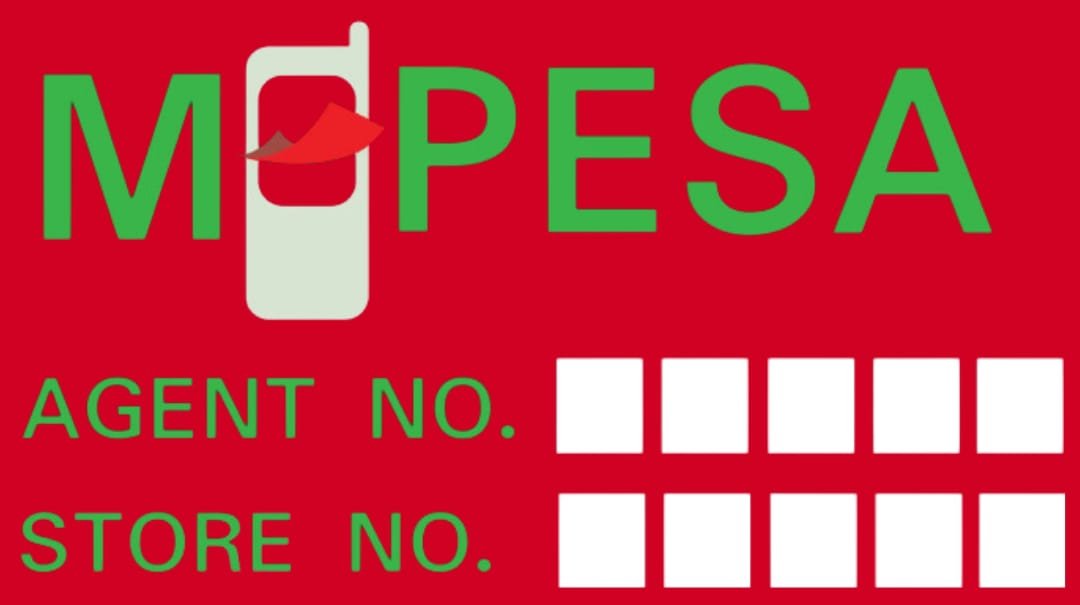
- Enter the agent number. Input the unique agent number provided by the shop.
- Enter the store number. Provide the store’s identification number.
- Key in the amount. Enter the cash amount you want to withdraw.
- Input your M-Pesa PIN. Confirm the transaction with your PIN.
The agent hands over the cash after the transaction processes. This method is quick for immediate cash needs.
Method 2: Withdrawing via the M-Pesa App
Transferring money from Pochi La Biashara to your M-Pesa account using the M-Pesa app requires a smartphone and mobile data. This method works for users who prefer digital transactions.
- Download the M-Pesa app. Search for “M-Pesa” on Google Play Store or Apple App Store. Tap “Install” to get the app.
- Sign in. Open the app and select “Sign In.” Use mobile data, as the app does not work with Wi-Fi.
- Enter the OTP. Input the one-time password sent to your phone.
- Set your M-Pesa PIN. Create or enter your PIN, then upload a profile picture or skip this step.
- Select “Transact.” Find the “Transact” option at the bottom left of the app’s home screen.
- Choose “Pochi La Biashara.” Under “Wallets,” select Pochi La Biashara.
- Select “Move Money.” Tap the “Move Money” option below the balance.
- Choose “Pochi to M-Pesa.” Select this to initiate the transfer.
- Enter the amount. Input the amount you want to move to your M-Pesa account.
- Confirm details. Verify the transaction details, then tap “Transfer.”
- Enter your PIN. Input your M-Pesa PIN to complete the transfer.
The money moves to your M-Pesa account. You can withdraw it from an agent or use it for payments.
Method 3: Withdrawing via USSD Code *334#
This method transfers funds from Pochi to M-Pesa without the app. It works on any phone, making it ideal for users without smartphones or internet access.
- Dial *334#. Open your phone’s dialer and enter the USSD code.
- Select option 8. Choose “Pochi La Biashara” from the menu.
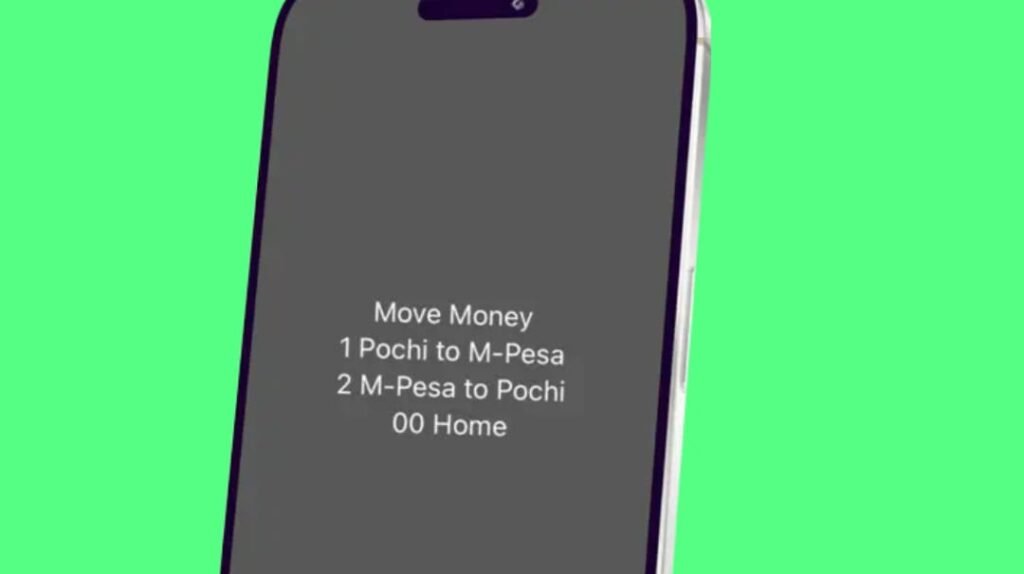
- Choose option 5. Select “Move Money” to proceed.
- Select option 1. Choose “Pochi to M-Pesa” for the transfer.
- Enter the amount. Input the amount you want to transfer.
- Confirm the transaction. A message displays the transaction details. Select option 1, “Accept,” if correct.
- Enter your M-Pesa PIN. Input your PIN to process the request.
A confirmation message appears when the transfer succeeds. The funds move to your M-Pesa account for withdrawal or payments.
Which Method Should You Choose?
Each method serves different needs. Withdrawing from an agent or ATM is fastest for cash. The M-Pesa app offers convenience for smartphone users. The USSD method suits users with basic phones or no internet. Choose based on your access to agents, smartphones, or mobile data.
Tips for Smooth Withdrawals
- Check your balance. Dial *334#, select “Pochi La Biashara,” and choose “Check Balance” to confirm funds.
- Verify agent details. Ensure the agent and store numbers are correct to avoid errors.
- Use mobile data for the app. The M-Pesa app requires mobile data, not Wi-Fi, for security.
- Keep your PIN private. Never share your M-Pesa PIN to protect your funds.
- Confirm transactions. Double-check details before entering your PIN to avoid mistakes.
Common Questions About Pochi La Biashara Withdrawals
Can I withdraw directly from Pochi La Biashara?
Yes, use the agent/ATM method to get cash without transferring to M-Pesa.
Do I need the M-Pesa app?
No, the USSD code *334# works for transfers without the app.
Are there fees for withdrawing?
Safaricom may charge standard M-Pesa withdrawal fees, depending on the amount. Check with an agent or Safaricom’s website.
What if I don’t have mobile data?
Use the USSD method, which works on any phone without internet.
How long does a transfer take?
Transfers to M-Pesa are instant, but agent withdrawals depend on processing time.
Pochi La Biashara simplifies payments for small businesses in Kenya. Withdrawing funds is flexible with these three methods. Pick the one that fits your needs for quick access to your money.