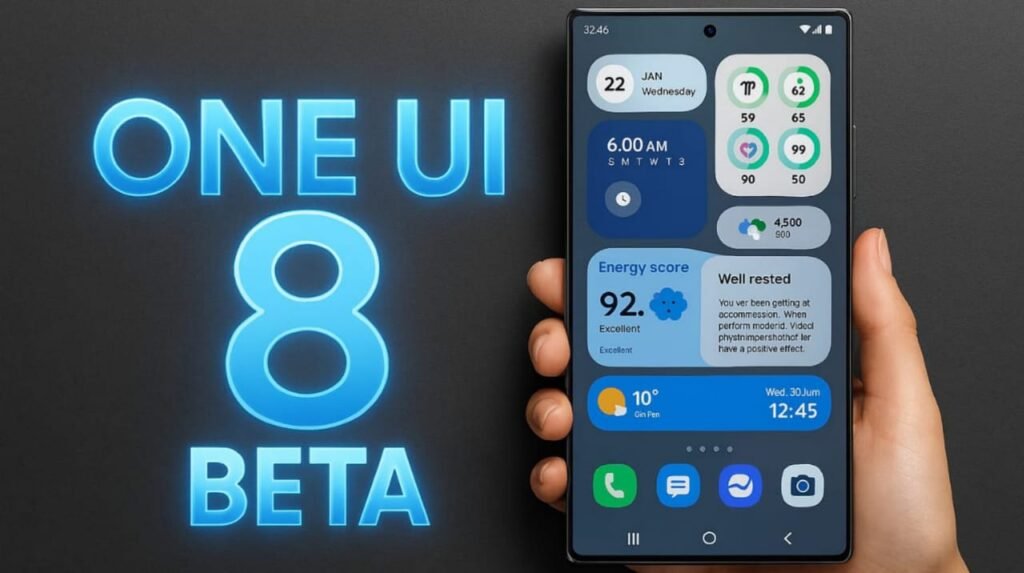
Samsung has been moving fast this year. The company was the first to launch the Android 16 beta paired with its new One UI 8 interface. At first, this “exclusive access” was limited to Galaxy S25 owners, leaving other users watching from the sidelines.
In early August, Samsung expanded the program, confirming that the Galaxy S24, Galaxy Z Fold 6, and Galaxy Z Flip 6 could also join the beta. Starting September, even more devices will be included.
September rollout list:
- Galaxy S23
- Galaxy S23+
- Galaxy S23 Ultra
- Galaxy Z Fold 5
- Galaxy Z Flip 5
- Galaxy A55 5G
- Galaxy A54 5G
- Galaxy A36 5G
- Galaxy A35 5G
However, there’s a catch. Access to the beta is limited to a handful of regions: South Korea, the United States, the United Kingdom, and India. Users in other countries will need to wait until the stable update arrives.
How to join the One UI 8 beta:
- Install or open the Samsung Members app (download it from the Galaxy Store if you don’t have it).
- Look for the One UI 8 beta banner and tap it.
- Register and confirm your participation.
- Go to Settings > Software Update > Download and Install.
- Download the beta, install it, and you’re set.
Keep in mind: this is still beta software. Expect bugs, glitches, and features that may not work properly. Rolling back to a stable version without wiping your data isn’t possible, so if you want to test it, it’s safer to use a backup phone.
Survival tips before installing:
- Back up your data (yes, including those barbecue photos you don’t want to lose).
- Make sure you have enough free storage.
- Charge your phone to at least 30%.