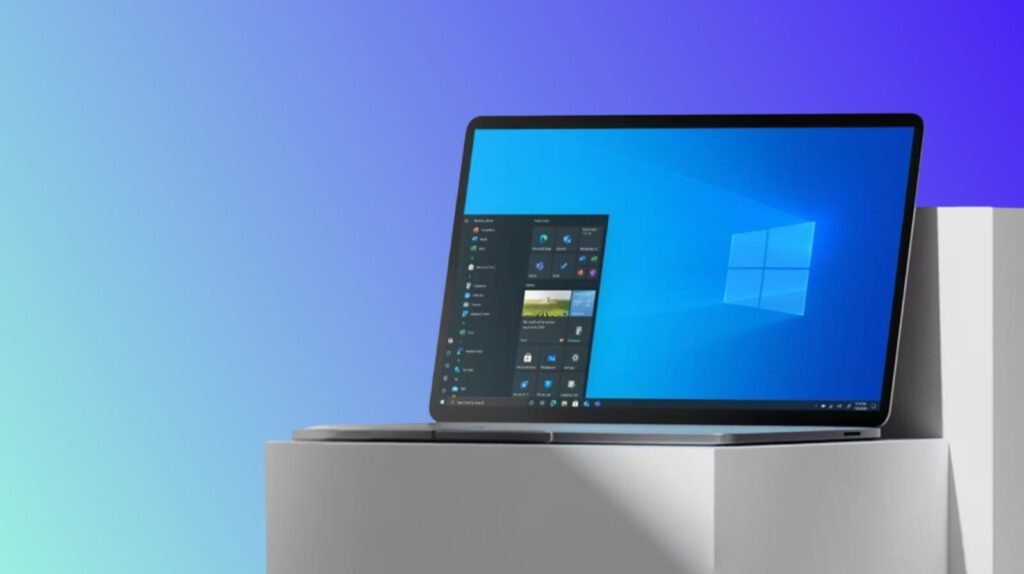
It is extremely difficult to make an offline user account in Windows 11 as almost all known workarounds are eliminated by Microsoft and an active internet connection is required during installation.
The company seems to be gradually pushing the users into its cloud environment—this time quite literally. In the recent test builds of Windows 11, the tech giant has removed the option to install the operating system without an internet connection altogether.
Earlier, users were allowed to bypass this limitation using the command OOBE\bypassnro, which enabled creating a local account without signing in with a Microsoft ID. But that escape route has been sealed now. Windows 11 installation currently requires both an internet connection and Microsoft account sign-in.
Microsoft officially states that the change has been made for the users’ benefit. The company claims that being online “does not make users miss important setup screens” and that their gadgets are “fully ready for use.” However, these very setup screens also happen to be the places where Microsoft advertises its subscription services, asks users to link their OneDrive accounts, and captures more of their activity for cloud syncing.
Simply put, local accounts have become incompatible with Microsoft’s bigger monetization plan. And the company is no longer in the habit of pretending the opposite.
The last Windows 11 test builds do have some positive points besides the criticism, like for example an enhanced dark mode and better visual consistency across the interface. But for those who choose local accounts, this feature seems to be gone forever, waiting only to be updated in the stable version later on.