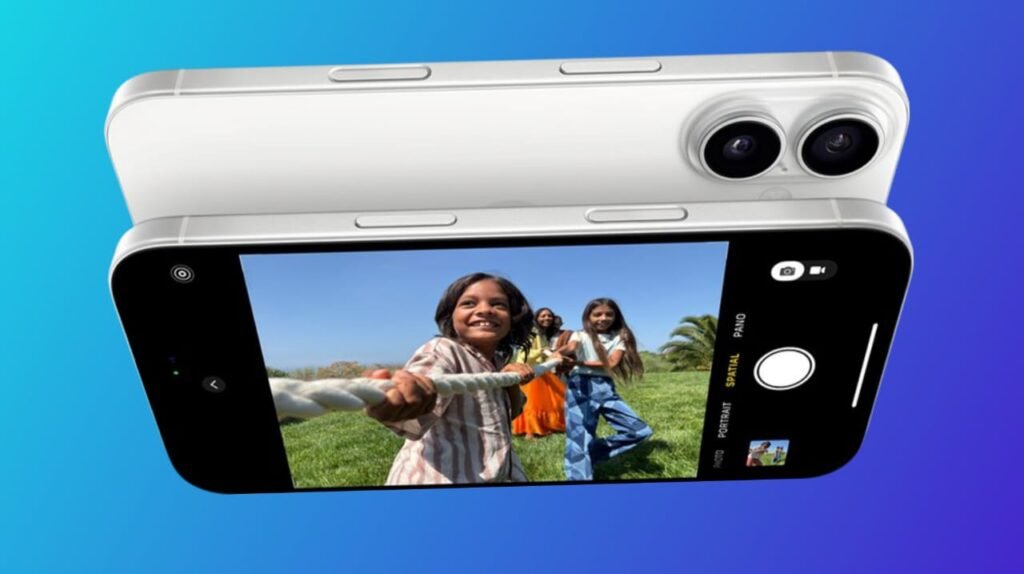
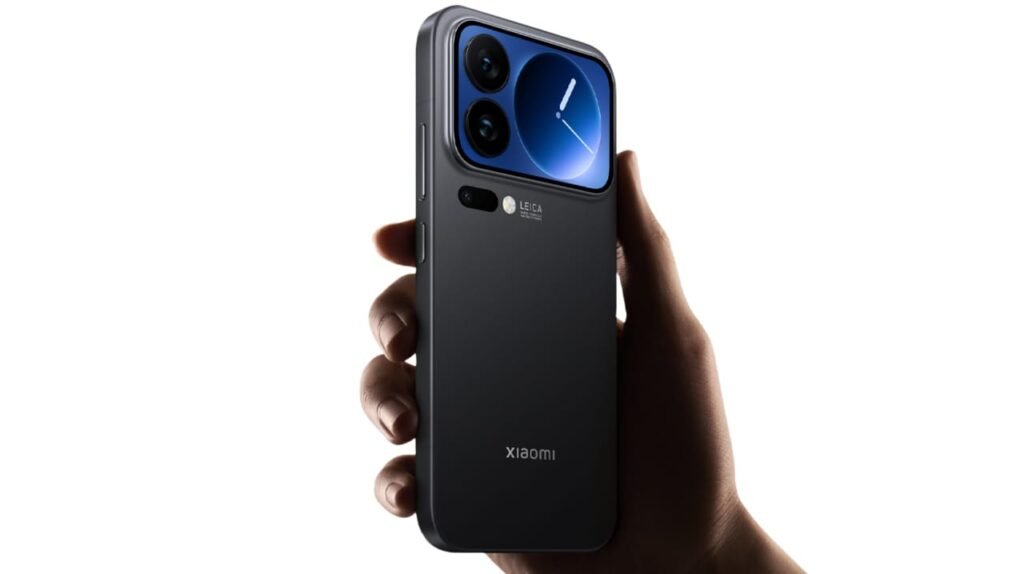
Huawei is changing the rules of the tablet game with a technical showcase that was kept under wraps. The company unveiled the most important feature of its new MatePad Edge – a gesture-based switch that changes the device from tablet to PC mode with just a wave of the hand.
The idea is quite intuitive, stylish, and actually, it is a feature that should have been introduced a long time ago.
At the private event, journalists invited to the session had the opportunity to closely examine the MatePad Edge and even try out its “hybrid philosophy.” Refreshed design, dual-mode functionality, new productivity tools, and the smooth manner in which two ecosystems work inside one device were the main points of Huawei’s presentation.
The central element of the whole user experience is the four-finger swipe on the screen. In a flash, this movement takes the user into “tablet mode” or “computer mode,” thus doing away with the need for menus, toggles, or setting options. The interface, in fact, is changed to a desktop-style environment with conventional windows, familiar navigation, and all the features of a compact laptop with just one quick move.
HarmonyOS is the “connective tissue” that integrates the whole system. The MatePad Edge is a product of Huawei that Zhu Dongdong would mean “two Pros in one.” The assertion is corroborated by the device performance — the user can smoothly navigate whether by touch, stylus, mouse, or keyboard.
Additionally, with the release of HarmonyOS 6.0, the MatePad Edge can utilize a complete set of professional apps, such as WPS Office and CapCut Pro. Consequently, the device becomes a flexible one that can perform every function from various devices, thus users will no longer need to buy separate devices if they are willing to use the HarmonyOS ecosystem.