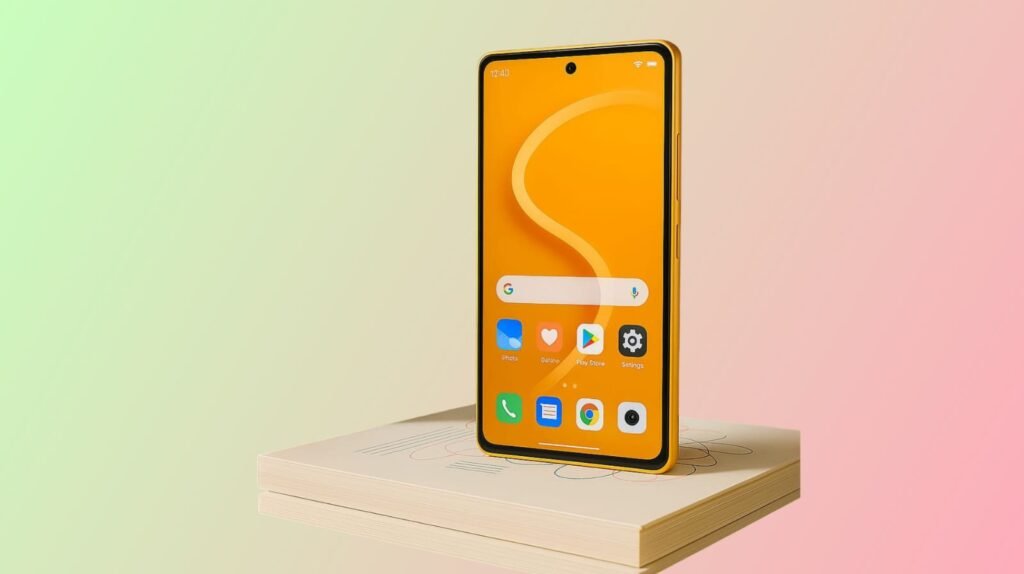
Android 16 is now available and rolling out to Google Pixel phones, starting with the Pixel 6 series and newer. Google has released the stable version of Android 16, marking the beginning of its staged update rollout. Other major Android device makers; Samsung, Xiaomi, OnePlus, and Motorola are preparing to launch their own customized versions of Android 16.
Google has quietly refined the Android experience with version 16, shifting focus to improved flexibility, responsive design, and enhanced support for diverse screen types. Though there’s no major visual overhaul, core changes under the surface are aimed at long-term performance gains and better developer adaptability.
Android 16 Supported Devices (Eligible List)
| Brand | Models Eligible for Android 16 |
|---|---|
| Google Pixel |
|
| Samsung Galaxy |
|
| Xiaomi / Redmi |
|
| OnePlus |
|
| Motorola |
|
Reference: Android Authority
Key Features in Android 16
Material 3 Expressive UI
Android 16 ships with an evolved design language: Material 3 Expressive UI. It adjusts the interface dynamically based on how users interact with it; through pressure, touch, and screen type. Animations now respond directly to input instead of triggering generic system-wide transitions.
This makes interfaces feel faster without actually boosting processing speeds, an efficient solution that improves usability without hardware strain.
Adaptive Apps for Responsive Design
Adaptive Apps is a new framework designed to help developers create flexible UIs that work well across phones, foldables, and tablets. Instead of forcing developers to code separate layouts for every screen type, Adaptive Apps enable automatic UI adjustments based on available screen real estate.
It also boosts support for split-screen multitasking by allowing apps to scale and realign intelligently during user transitions.
What’s Missing? A Visual Shake-Up
Unlike Android 12 or 14, Android 16 doesn’t come with a dramatic redesign. Instead, Google has opted for subtlety. Fonts are smoother, padding is more balanced, and transitions feel more intuitive but these changes are incremental, not groundbreaking.
If you’re expecting flashy icons or new color theming, Android 16 won’t deliver. This version is about functionality over form, especially for developers and power users.
Rollout Timeline and Update Strategy
Google’s strategy remains familiar: release to Pixels first, then extend to third-party brands once internal testing and custom interface integrations are complete.
Pixel users are already seeing the update via OTA (Over-the-Air) downloads. Samsung’s One UI 7, Xiaomi’s MIUI 16, OnePlus’s OxygenOS 16, and Motorola’s MyUX are expected to follow in late Q3 or early Q4 2025.
Manufacturers will layer their own UX skins on top of Android 16, which means update speed depends on how quickly they finalize and certify their modifications.
Developer-Centric Improvements
Behind the scenes, Android 16 is a big leap for developers:
- New Window Management APIs for better support on foldables and tablets
- Resource Efficiency Tweaks to optimize RAM usage and minimize wake-lock abuse
- Permission Controls that tighten app access without needing user prompts
- Improved Emulator Support for testing across screen sizes
These changes won’t show up on home screens, but they’re critical for future-proofing Android’s growth, especially as foldables become mainstream.
Security and Privacy Tweaks
Android 16 adds background data scanning for suspicious behavior. Apps that operate in the background now undergo more frequent checks. Google has also raised the bar for location permissions and Bluetooth access.
This update continues Google’s recent pattern of quietly hardening Android’s defense layers without making a spectacle of it.
Bottom Line: Worth the Wait?
Android 16 might look like a minor update at a glance, but under the hood, it lays the groundwork for a more adaptive and intelligent Android ecosystem. Pixel users can already try it, while other brands are lining up their customized builds for rollout.
Though it lacks visual fireworks, Android 16 focuses on performance, compatibility, and developer support an approach that might just keep Android ahead of the curve in the long run.