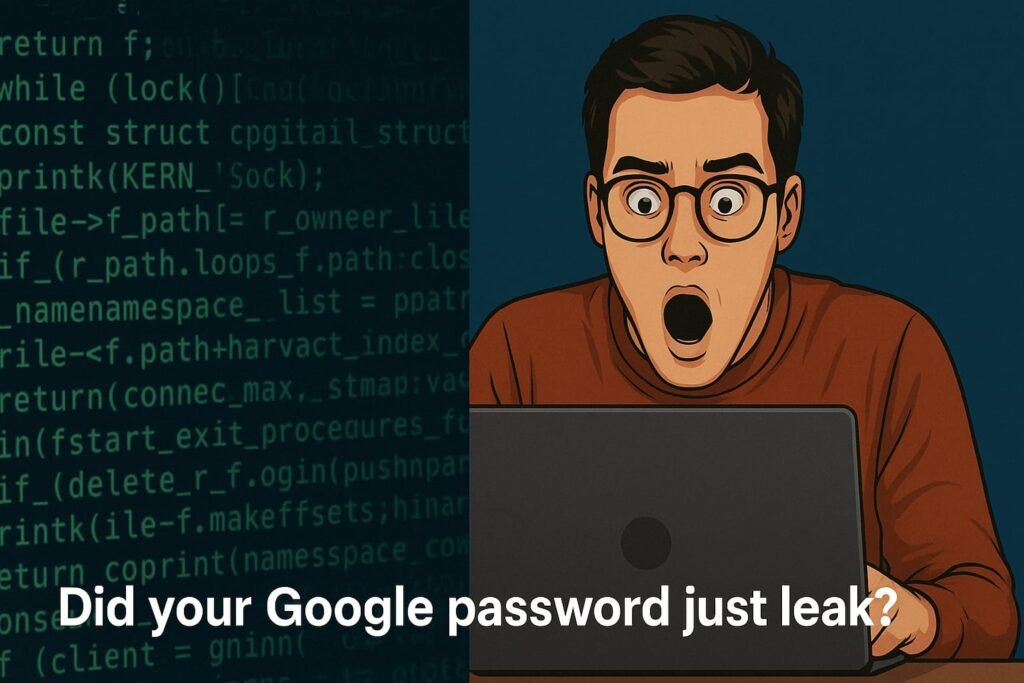
Imagine waking up to find your Gmail, Netflix, or banking logins exposed out there on the dark web like digital confetti. This isn’t some distant cyber-myth; it’s real, and it’s already affecting millions.
This week, cybersecurity researchers discovered a shocking 1.2GB archive containing over 64,000 username and password combinations, many tied to Google accounts. But here’s the twist, it’s not actually a “new” data breach. Instead, it’s a massive repackaging of stolen data from past breaches and malware infections, mainly from something called “infostealers.”
And if you think you’re safe because you haven’t clicked any sketchy links lately, think again.
What Are Infostealers And Why Should You Care?
Infostealers are like digital pickpockets. They quietly lurk on your device, stealing saved passwords, cryptocurrency wallets, autofill data, everything.
Once infected, your device becomes a goldmine for cybercriminals. These malware programs grab all saved credentials (yes, even those neat Google-saved logins) and dump them into a “log”, a digital bag of stolen goods.
https://accounts.google.com/:youremail@gmail.com:Passw0rd123!
https://www.bank.com/login:you@gmail.com:SuperSecure2022#
If this makes you sweat a little, you’re not alone.
What Makes This Leak Different?
Unlike isolated breaches at companies like Facebook or Adobe, this leak is a compilation of old and recent breaches, infostealer logs, and credential stuffing dumps all rolled into one mega-file. Even if you escaped past leaks, your data could still be in this one.
What’s more alarming? It was briefly available for free on shady Telegram groups, Discord channels,
and even Pastebin, used as “sampler packs” by cybercriminals trying to show off or market paid dumps.
Quick Look: Major Credential Leaks Comparison
| Leak Name | Year | Approx. Records | Type of Data |
|---|---|---|---|
| Collection #1 | 2019 | 22 million+ | Emails, Passwords |
| RockYou2024 | 2024 | 9 billion+ records | Passwords |
| Cybernews 2025 Leak | 2025 | 64,000+ Google-linked | Infostealer Logs |
Source: Cybernews, Have I Been Pwned, DataBreaches.net
Could YOUR Google Password Be in There?
Yes, it’s very possible. Even if you’ve used strong passwords, if they were saved in your browser or synced via your Google account and malware got in… boom, they’re gone.
To check:
- Visit HaveIBeenPwned.com
- Enter your email and scan for breaches
- If flagged, change that password ASAP
Millennials, Gen Z: Here’s Why You’re the Top Target
If you’re a digital native, odds are:
- You’ve got multiple Google-linked devices
- You store passwords in Chrome
- You reuse passwords across platforms (don’t lie, we’ve all done it)
- You may skip 2FA “just this once”
This leak is a wake-up call: your digital hygiene matters now more than ever.
7 Password Safety Hacks Every Millennial Should Swear By
- Stop Saving Passwords in Your Browser
Use a secure password manager like Bitwarden or 1Password instead. - Use Two-Factor Authentication (2FA)
Especially for Google, banking, and social logins. Prefer app-based 2FA like Google Authenticator or Authy. - Never Use the Same Password Twice
Credential stuffing thrives on password reuse. Change it up. - Avoid SMS-Based 2FA
Hackers can SIM-swap your number. Always go app-based or use hardware keys. - Regularly Scan Devices for Malware
Malware like LummaStealer often lurks silently. Use antivirus tools weekly. - Turn on Login Alerts on Google
Visit your Google security page and enable suspicious login alerts. - Check “Saved Passwords” in Chrome and Delete Old Ones
Visitchrome://settings/passwordsand clean up.
Final Verdict: Should You Panic?
No, but you should absolutely act. This leak isn’t brand new, but it’s a potent reminder of how exposed we all are. With tools like infostealers evolving fast, any saved password is a risk waiting to happen.
The best way forward? Take back control: audit your accounts, switch to strong, unique logins, and embrace password managers and 2FA.
What About You?
Have you checked if your Google credentials are compromised? Did you find yourself in a past leak?
Share your story in the comments, your experience might help someone else tighten their digital defenses.